How to set it up
How insights work in Oodle
Checks on every session. Oodle’s AI agent verifies what looks wrong. Only real issues reach you.
1 · Check
It catches the errors that don't look like errors.
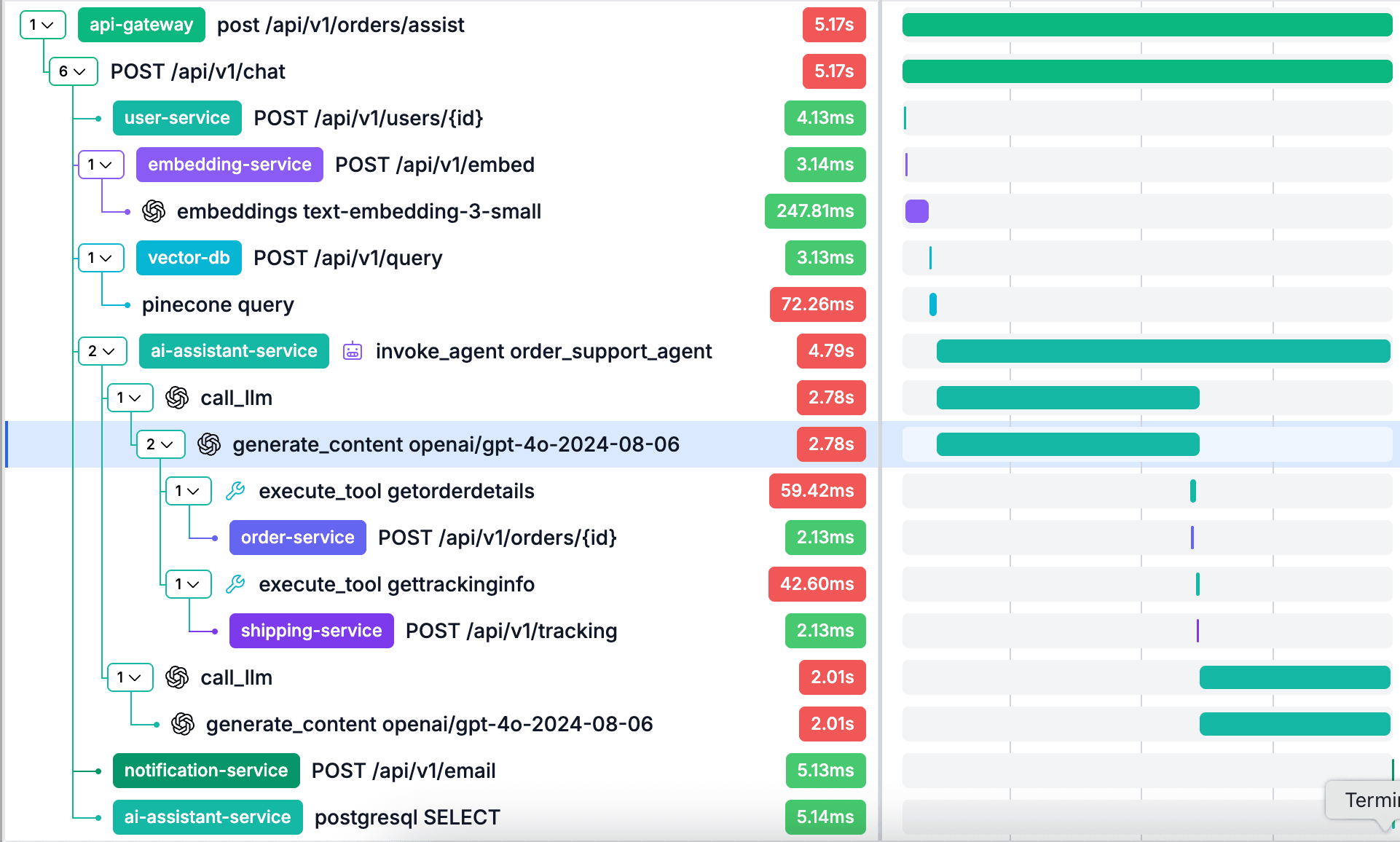
Every session is checked as it arrives, no LLM involved. Tool errors the agent talked over, retry loops, dependencies that were down, users who gave up.
The tool fails and the agent carries on
The tool errors, the model doesn’t notice, and the customer is told it worked.
- Tool not found
- Bad arguments
- Wrong state
- Not allowed
- Bad query
{"error": "unknown tool: cancel_subscription"}
“Done. Your subscription is cancelled and you won’t be charged again.”
cancel_subscription doesn’t exist. The customer was told it worked.
2 · Verify
Similar issues grouped, noise removed.
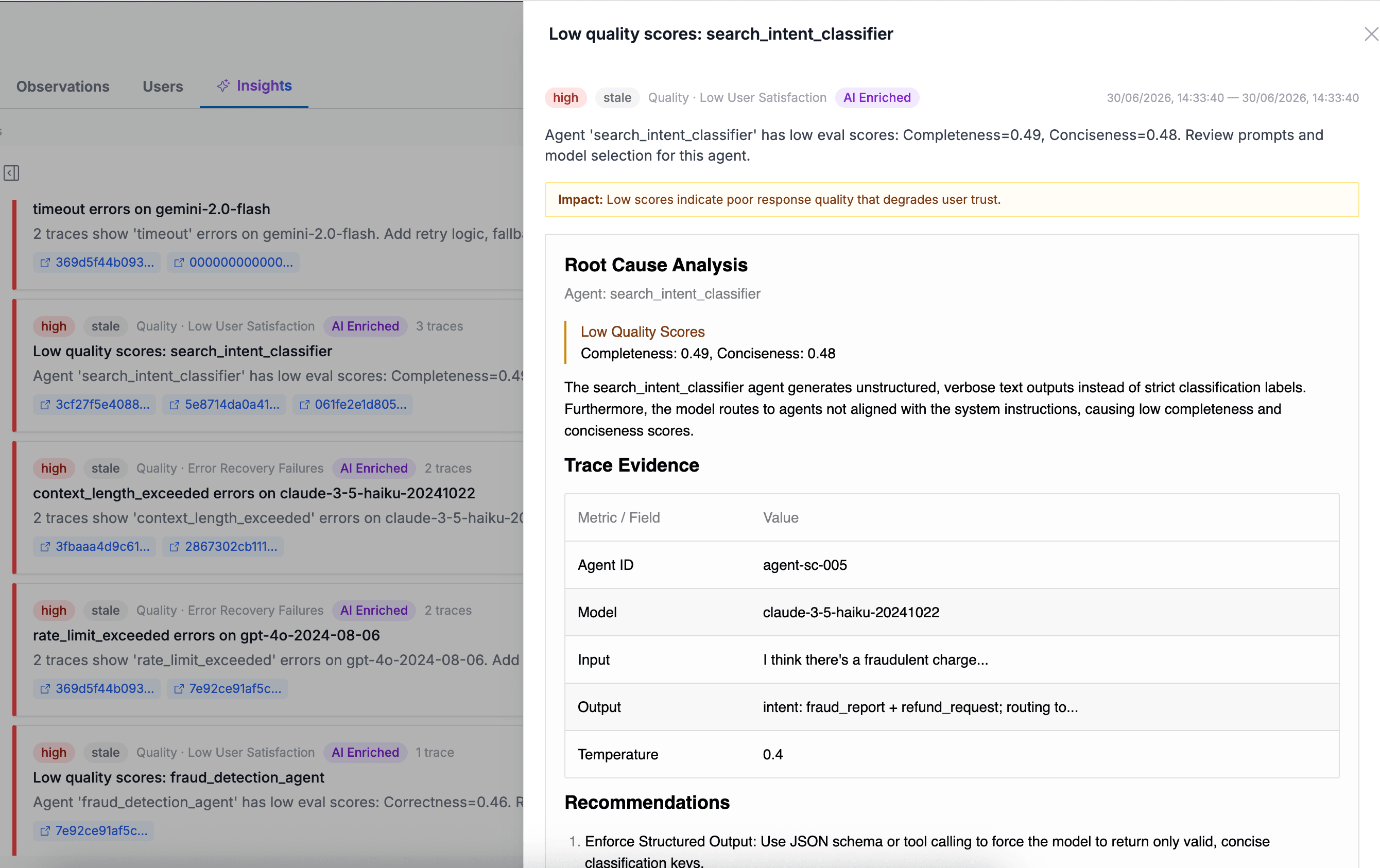
Sentiment, a classifier and anomaly detection raise the candidates. Oodle’s AI agent checks each one, verifies the evidence and removes the noise. What is left is grouped by cause, ranked by how many customers it affected, with the example sessions attached.
Channels
# eng
# agent-issues
# support
Oodle app 9:02 AM
3 issues affecting customers in order_support_agent · last 24h
🔴 Sentiment drops after initiateReturn fails
41 of 603 sessions · new
Users ask a third time, then stop replying. No error anywhere in the trace.
🔴 checkInventory returns product_not_found
176 of 318 sessions · recurring
The agent tells the user it worked.
🟠 initiateReturn hits DeadlockDetected
47 of 595 sessions · new
The agent tells the user the return was filed.
3 · Report
A short list each morning.
What went wrong, how often, and why. Short enough to read with your coffee.
4 · Yours
Add your own in a sentence.
Describe a failure the way you would to a colleague. Oodle drafts the check, you approve it, and every new session is checked from then on.
Describe it
The agent promises to call the customer back. We never call anyone back.
Drafted rule
Check yesterday's traffic